A full walkthrough of every screen in Property Fix Cycle — Free and Pro.
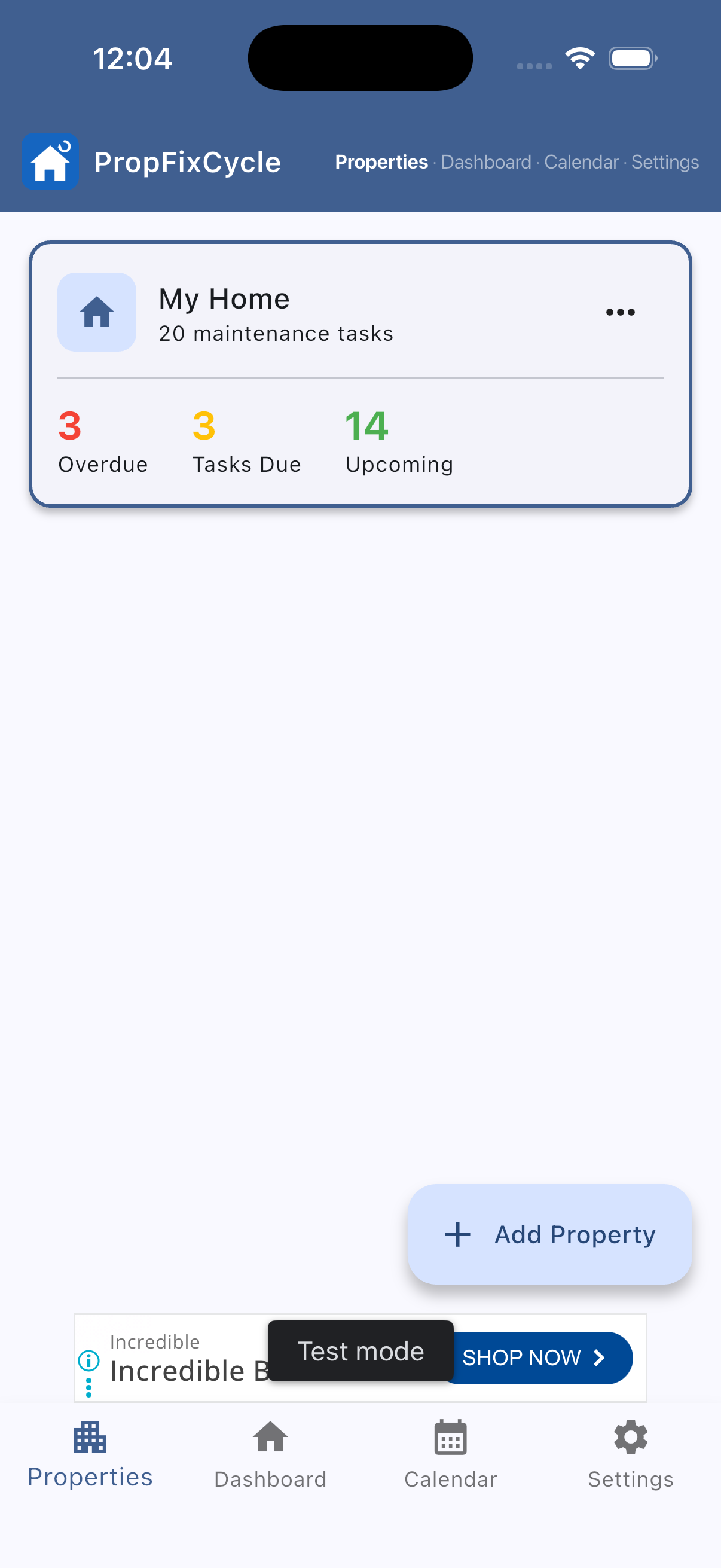
The moment you open Property Fix Cycle you land here — a clean overview of your property and upcoming maintenance tasks, color-coded by urgency.
No account to create, no setup wizard to sit through. Just open the app and your 20 pre-loaded maintenance tasks are ready to go.
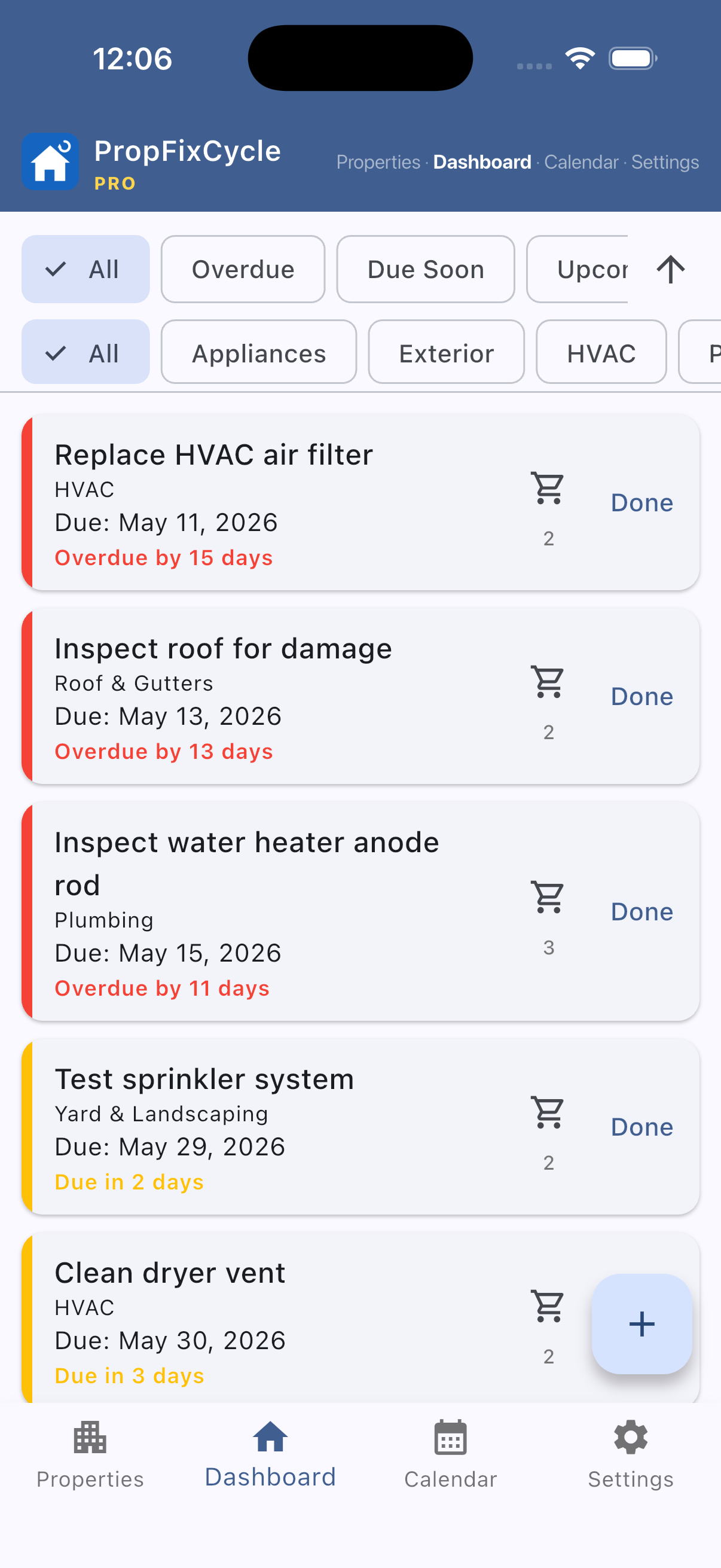
The dashboard gives you a full list of maintenance tasks for a property, sorted and color-coded so the most urgent items are always visible first.
Pro users can apply filters to drill into exactly what they need — overdue tasks, tasks by category, or what's coming up next. Free users see the full task list without filters.
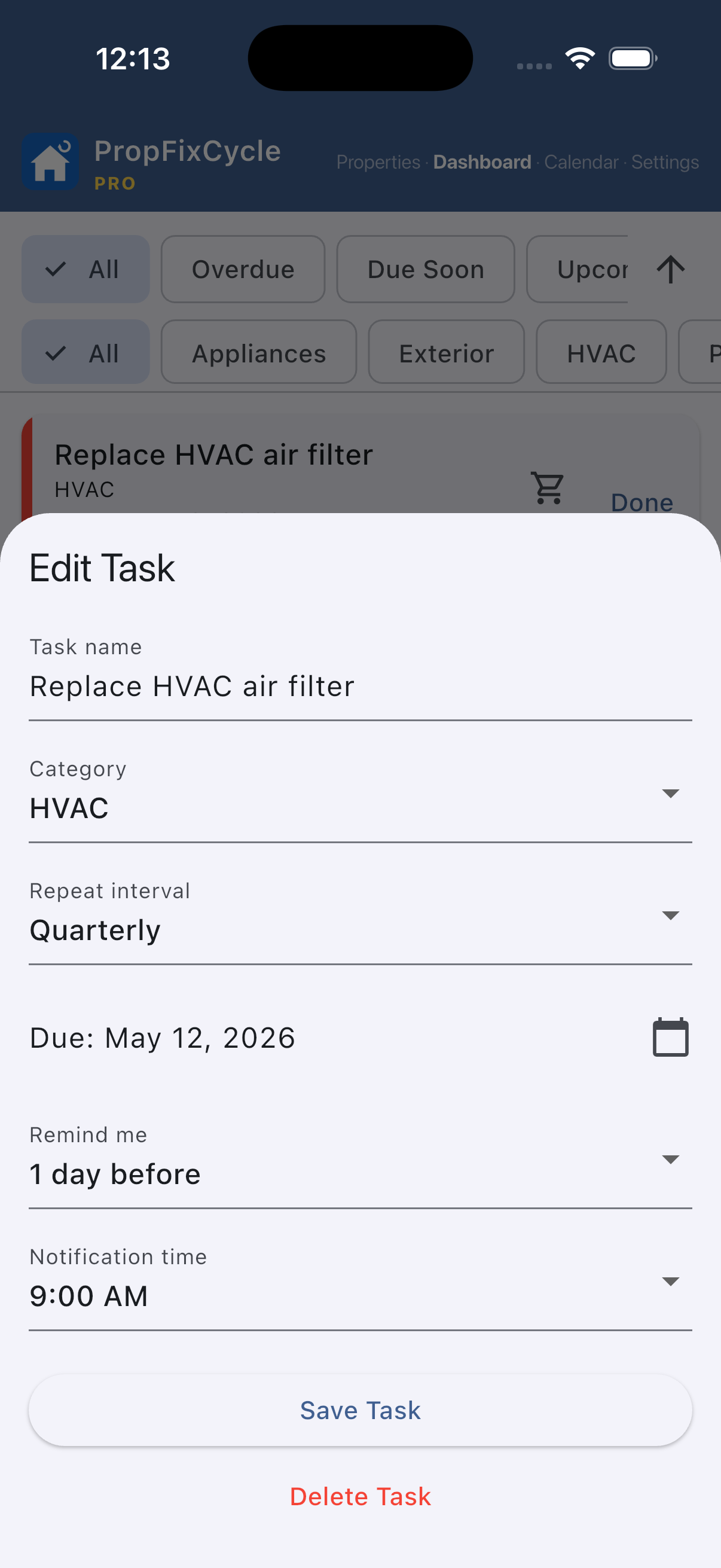
Add a new task or edit an existing one in seconds. Name it, pick a category, set the due date, and choose how often it repeats — monthly, quarterly, every six months, or annually.
The notification setting is where Property Fix Cycle earns its keep. Instead of alerting you on the due date, set a reminder 1 day, 1 week, or a custom date and time before — so you have time to book a tradesperson, order parts, or stock up on supplies before the deadline arrives.
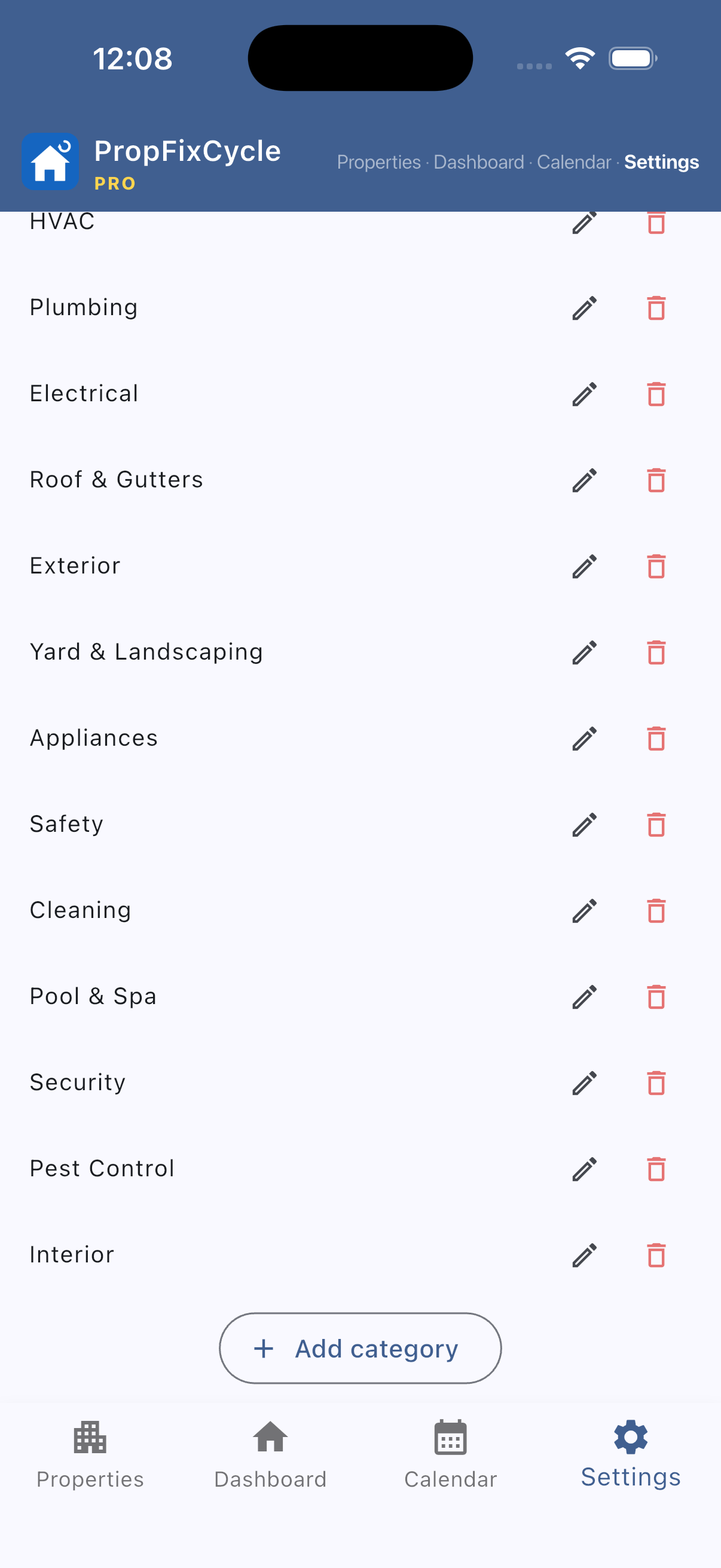
You're in full control of how your tasks are grouped. Edit the five built-in categories — HVAC, Plumbing, Exterior, Yard, and Appliances — or create your own to match the way you manage your property.
Whether you manage a family home, a rental unit, or a holiday let, categories help you filter, plan, and delegate maintenance work efficiently.
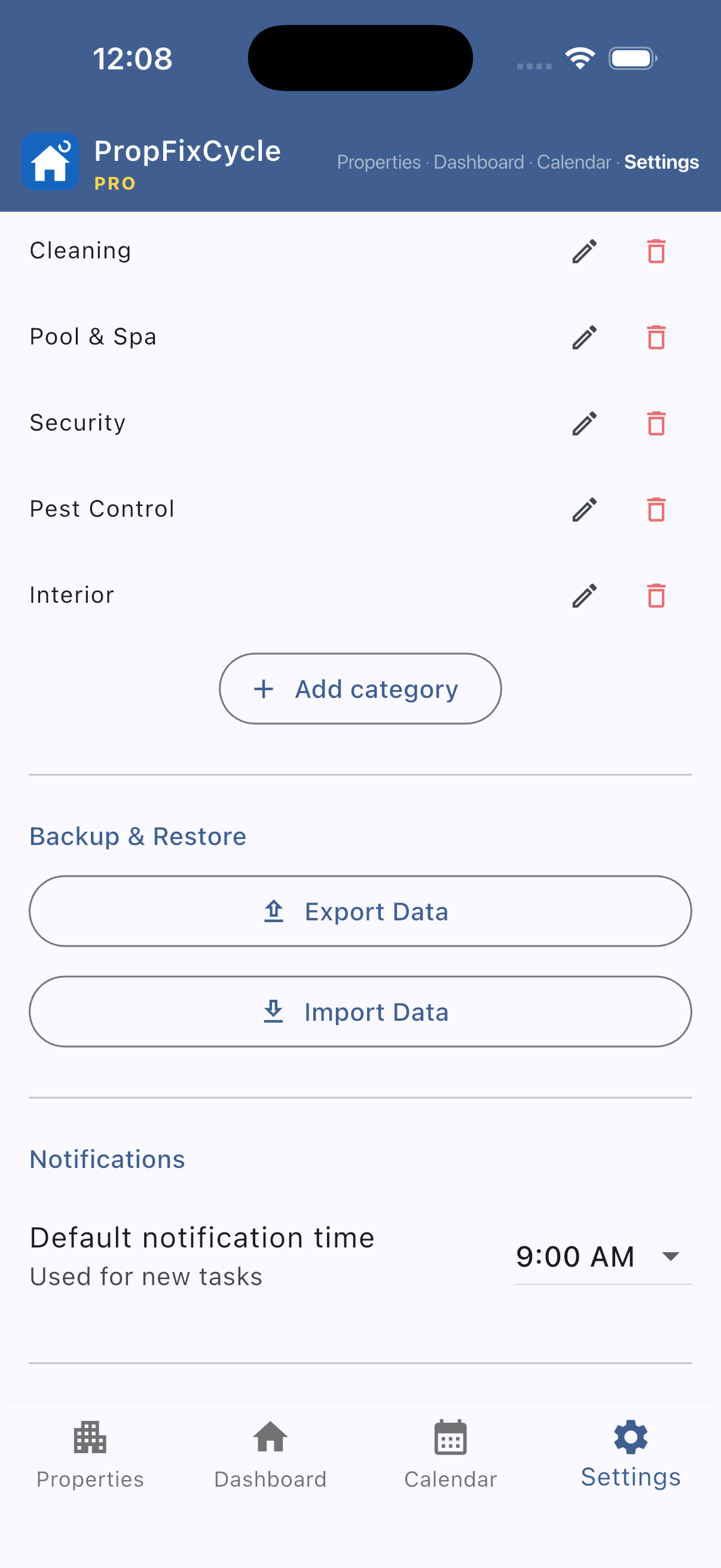
Set a default notification time so every new task reminder fits your daily schedule from the moment you create it — no need to adjust each task individually.
Pro users unlock Export and Import — back up all your task data or restore it when switching devices. Your data, always in your hands.
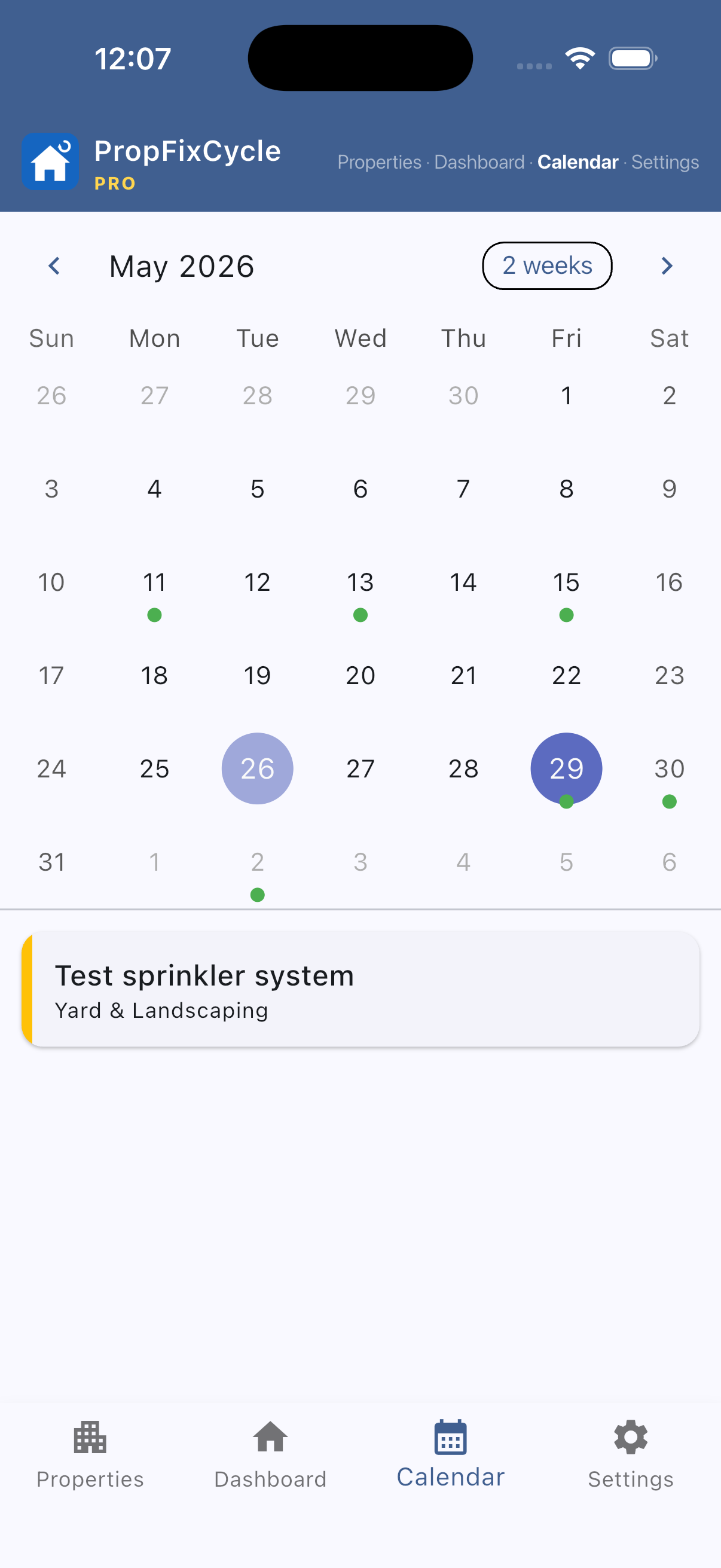
The calendar view maps every task to its due date so you can see what's coming up across the whole month at a glance.
Tap any date to see a full list of tasks due that day. Multiple tasks on the same date are handled cleanly — nothing gets buried or missed. Use it to plan maintenance weekends or coordinate with tradespeople in advance.
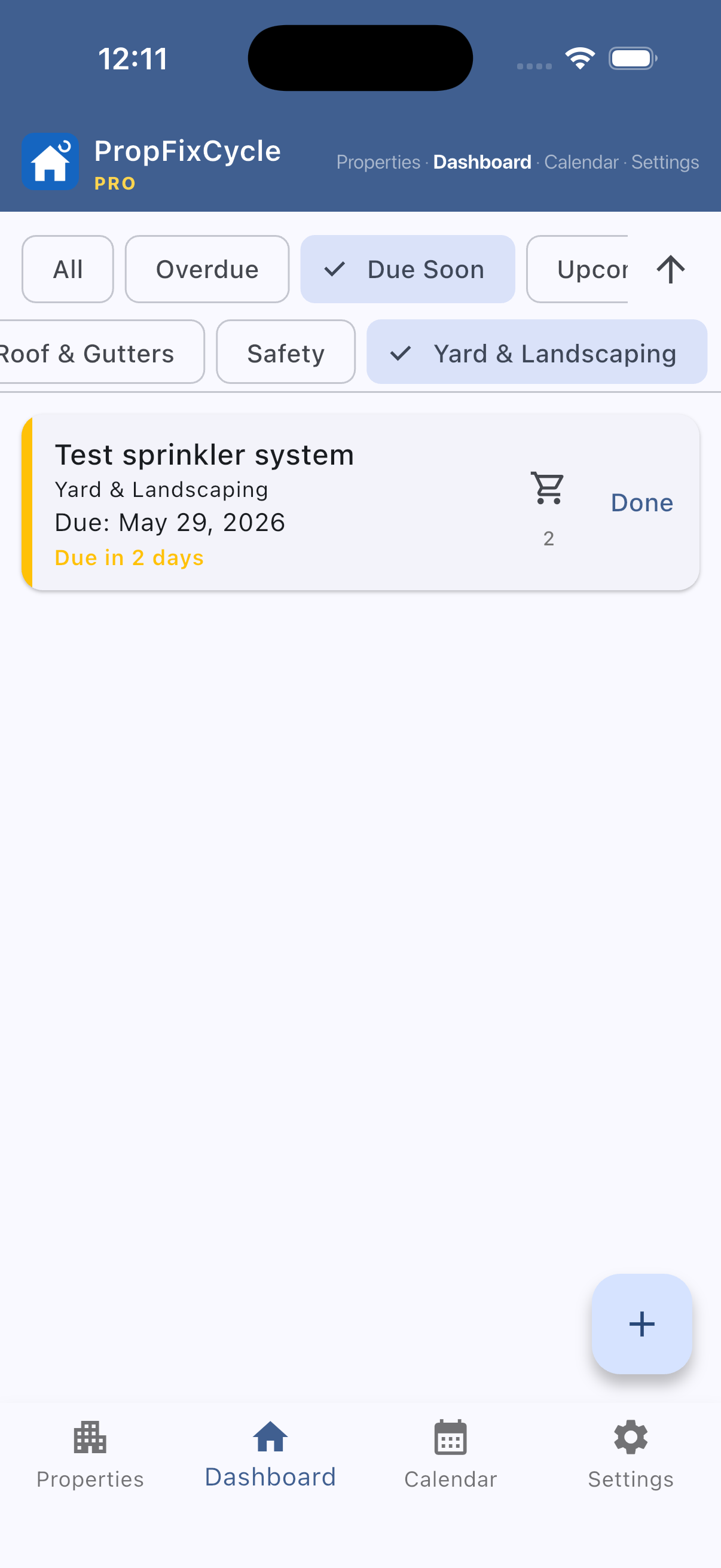
When you're managing a full property maintenance schedule, filtering is everything. Narrow your task list by category, status (overdue, upcoming, completed), or due date range.
Planning this weekend's work? Filter for tasks due in the next 7 days. Doing a quarterly review? Filter by category and status. Pro filters turn a long task list into exactly the view you need.
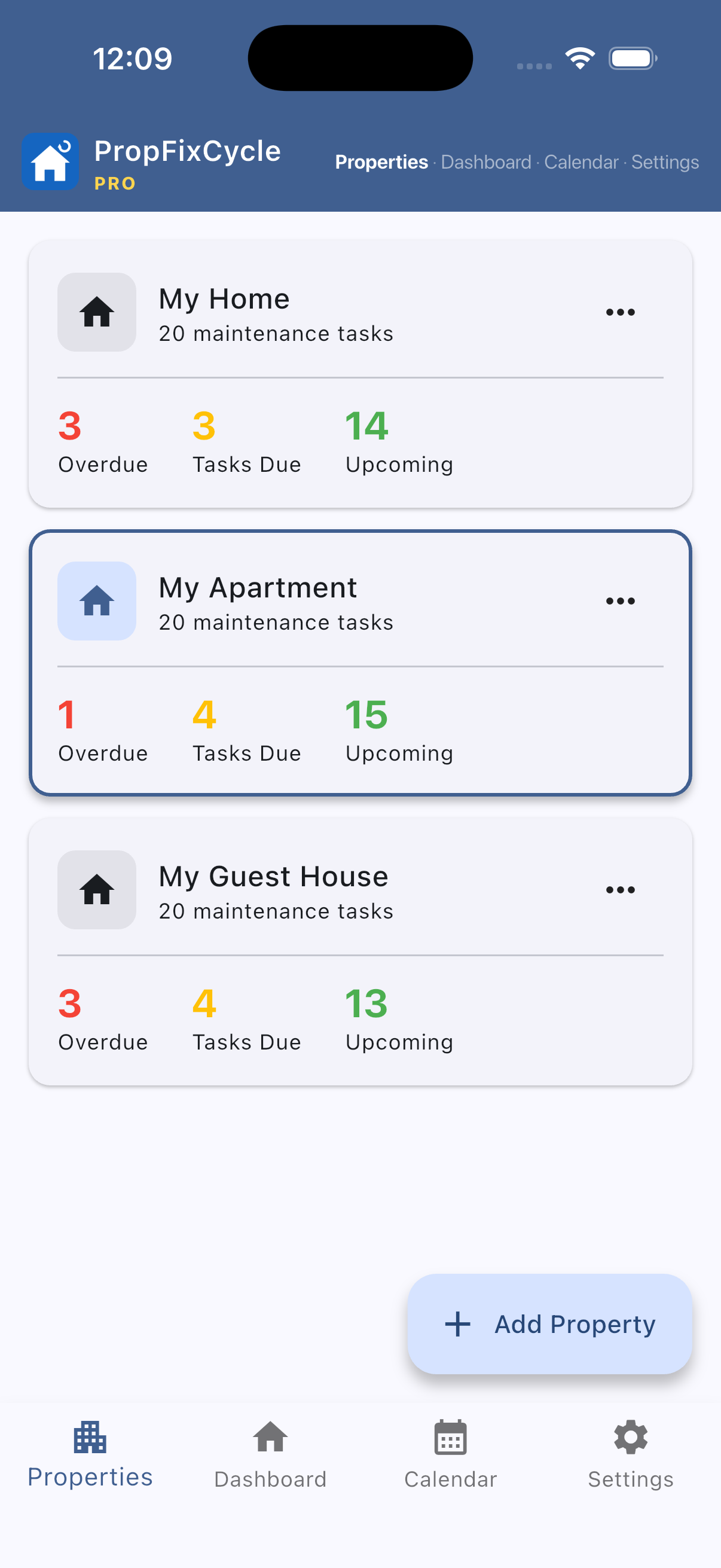
Manage unlimited properties from a single app. Rental properties, a holiday home, a parents' house — add as many as you need with no restrictions.
When you add a new property, Property Fix Cycle automatically copies your default tasks and grocery lists across, so every property starts fully set up and ready to go. No manual duplication needed.
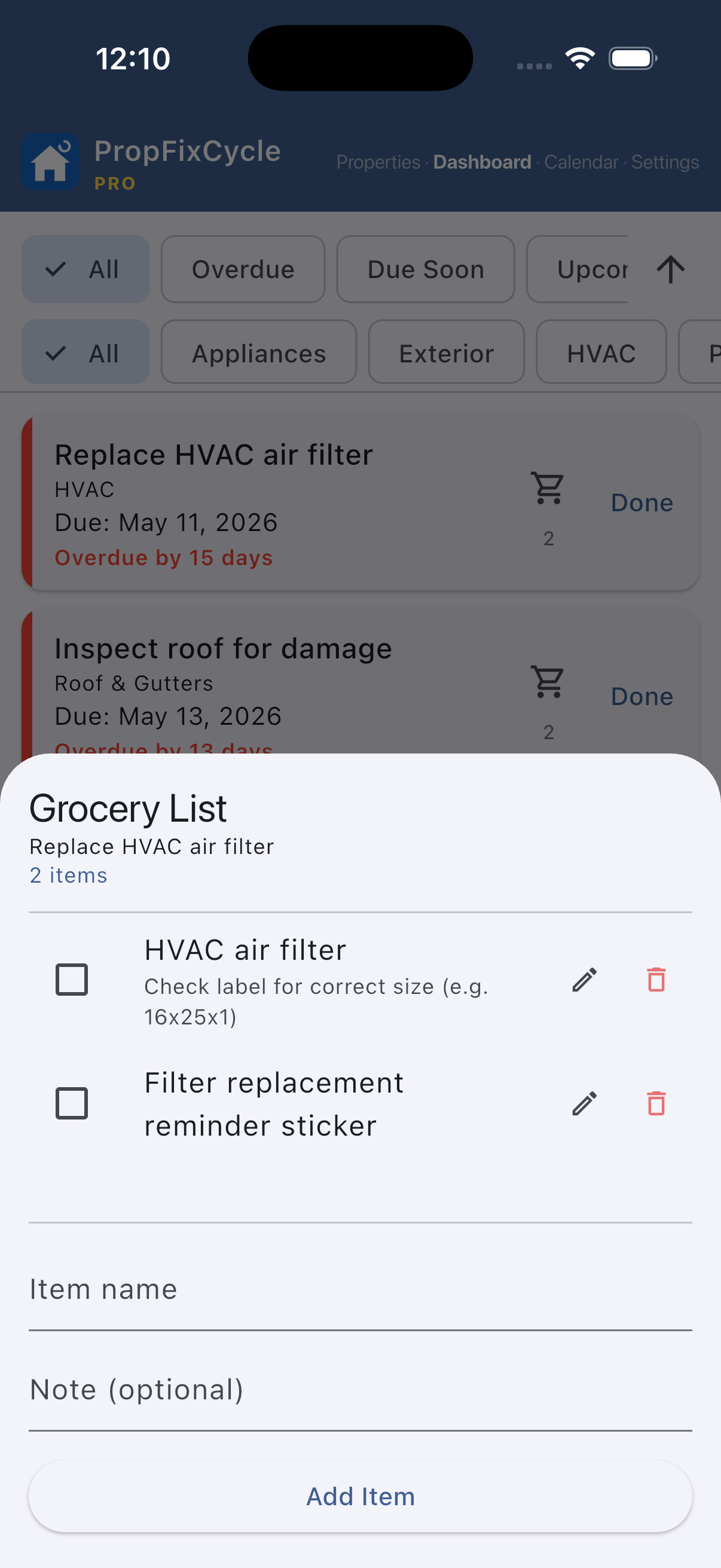
Each task can carry its own supply or grocery list. Before you head out to tackle maintenance, check the list to make sure you have everything you need — filters, sealant, batteries, or whatever the job calls for.
No more arriving at the hardware store and guessing. No more mid-job supply runs. Everything you need for a task, listed right alongside it.
Download Property Fix Cycle now — free to download, Pro upgrade available in-app.